LogoDescribeImage
  • Инструмент
  • Генератор Alt Text
  • Генератор описаний изображений
  • FAQ

image alt text generator

Image Alt Text Generator for SEO

Generate SEO-friendly image alt text from any photo. Upload one image, describe the visual subject clearly, and copy accessible alt text in seconds.

SEO-ready outputAccessibility focusedNo login required

Alt Text Generator

Generate concise alt text that describes the important visual subject without keyword stuffing.

Загрузка изображения

Перетащите изображение сюда

Попробуйте пример или загрузите одно изображение.

Поддерживаются JPG, PNG, WebP

Максимальный размер: 4 МБ

Стиль вывода
Язык
Ключевое слово
Свой вопрос(необязательно)
0 / 200
Бесплатный режим одного изображения

Попробуйте пример или загрузите одно изображение. Результаты не сохраняются, если вы не вошли.

Предпросмотр изображения
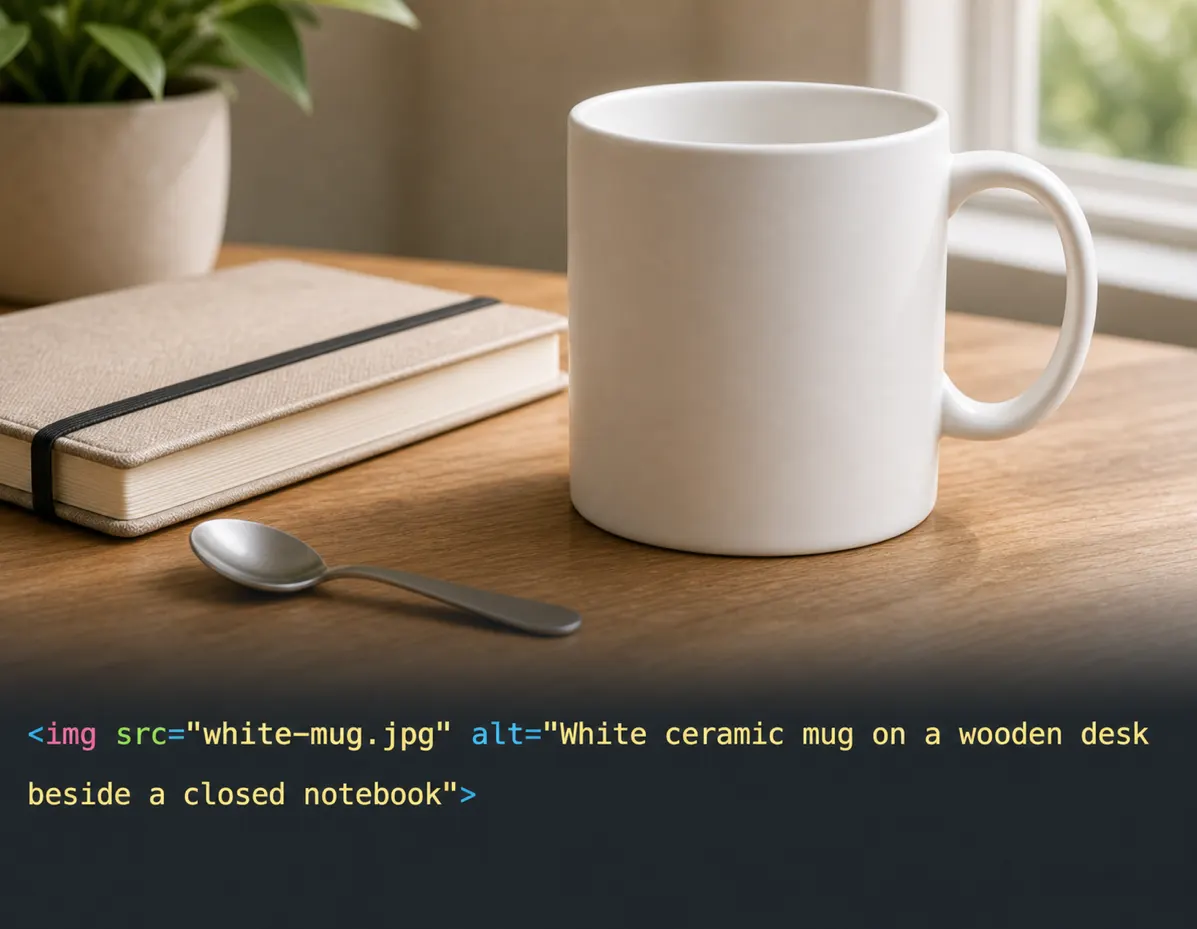
DescribeImage product preview showing the SEO alt text output for a product photo.

Alt text example

For ecommerce, blogs, and accessibility

Сгенерированный вывод

SEO Alt Text·Английский

Фокус ключевого слова: image alt text generator

Настройте параметры и сгенерируйте новый результат.

Изображение описано вокруг четкого визуального объекта, а дополнительные детали делают текст полезным для доступности, поисковых сниппетов и производства контента.

Настройте параметры и сгенерируйте новый результат.

What this image alt text generator does

This image alt text generator turns a visual file into concise text that can be used in an image alt attribute, product listing, blog post, documentation page, or content brief. The goal is not to force a keyword into every sentence. Good alt text identifies the meaningful subject, adds enough context to be useful, and stays short enough for screen reader users. DescribeImage keeps that workflow close to the upload so you can create and copy the result quickly.

How to write SEO-friendly alt text

SEO-friendly alt text should match the image and the page where it appears. If the image is a product photo, include the product type, visible details, and context that helps a visitor understand the image. If the image is decorative, empty alt text may be better than a forced description. Use the keyword field for page context, then review the generated result so it sounds natural, avoids repeated phrases, and does not describe details that are not actually visible.

Best use cases for alt text generation

The tool works best for ecommerce catalogs, blog images, landing page visuals, documentation screenshots, comparison tables, social media assets, and accessibility reviews. Content teams can use it to turn many image tasks into consistent first drafts, while SEO teams can reduce missing alt text issues before publishing. For final production, check each result for accuracy, brand terminology, product names, and the exact role the image plays on the page.

How it helps

Focused on alt text workflows

Generate concise alt text for search, screen readers, product listings, and content operations without losing the image context.

How it helps

Generate concise alt text for search, screen readers, product listings, and content operations without losing the image context.

Describe the important visible subject in a way that stays useful for screen reader users.

Product Feature OneProduct Feature One

FAQ

Questions about alt text generation

LogoDescribeImage

Бесплатные AI-описания изображений для alt text, SEO, подписей, доступности и prompt-workflow.

Продукт
  • AI-описатель изображений
  • Генератор Alt Text
  • Генератор описаний изображений
Ресурсы
  • Сценарии
  • Цены
  • FAQ
  • Контакты
Правовая информация
  • Политика cookie
  • Политика конфиденциальности
  • Политика возвратов
  • Условия использования
© 2026 DescribeImage. All Rights Reserved.