LogoDescribeImage
  • Инструмент
  • Генератор Alt Text
  • Генератор описаний изображений
  • FAQ

ai image description generator

AI Image Description Generator Online

Use an AI image description generator to turn photos and screenshots into clear visual descriptions for content, accessibility, documentation, and prompts.

Detailed visual contextUseful for content workflowsPrivate by default

Image Description Generator

Generate readable image descriptions with the context needed for content, docs, and image review.

Загрузка изображения

Перетащите изображение сюда

Попробуйте пример или загрузите одно изображение.

Поддерживаются JPG, PNG, WebP

Максимальный размер: 4 МБ

Стиль вывода
Язык
Ключевое слово
Свой вопрос(необязательно)
0 / 200
Бесплатный режим одного изображения

Попробуйте пример или загрузите одно изображение. Результаты не сохраняются, если вы не вошли.

Предпросмотр изображения
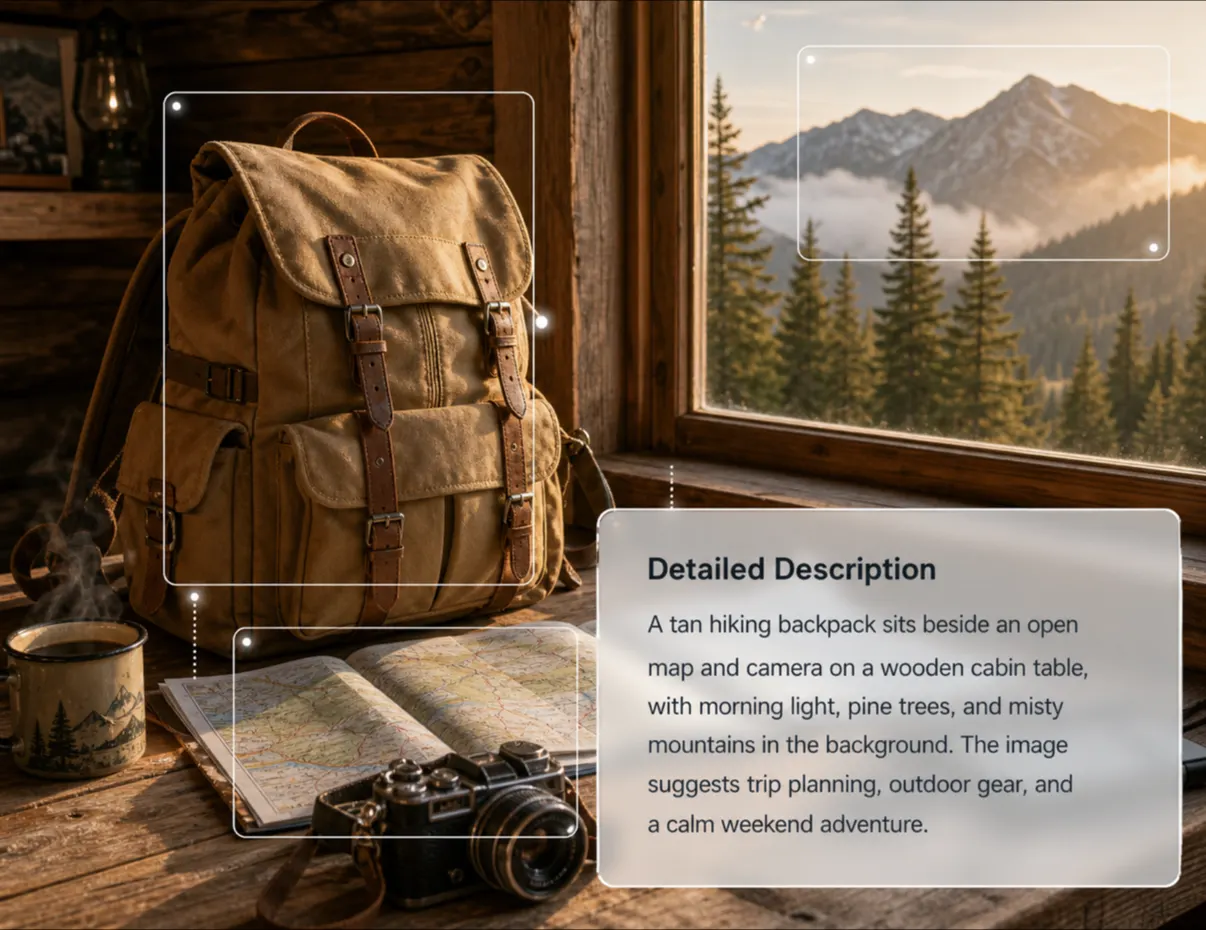
DescribeImage product preview showing the AI prompt output for a creative reference image.

Description example

For content, accessibility, and editorial use

Сгенерированный вывод

Подробное описание·Английский

Фокус ключевого слова: ai image description generator

Настройте параметры и сгенерируйте новый результат.

Изображение описано вокруг четкого визуального объекта, а дополнительные детали делают текст полезным для доступности, поисковых сниппетов и производства контента.

Настройте параметры и сгенерируйте новый результат.

Generate detailed image descriptions online

An AI image description generator is useful when a team needs more context than a short alt attribute can provide. DescribeImage can summarize the main subject, setting, composition, lighting, visible objects, and notable details in readable prose. That makes it helpful for editorial notes, product review, design handoff, documentation, accessibility support, and creative planning. The output gives humans a clear text version of the image before it is reused in another workflow.

Descriptions for screenshots, photos, and prompts

Different images need different kinds of description. A screenshot may need visible interface labels and layout context. A product photo may need material, angle, color, and scene details. A creative reference may need lighting, camera angle, subject pose, and style cues that can become an AI prompt. The output mode lets you switch between detailed description, caption, alt text, and prompt formats without rebuilding the request from scratch.

Review the output before publishing

Generated image descriptions are drafts, not final editorial truth. Before publishing, check whether the description overstates details, misses a key object, or needs brand-specific language. Add context that is important to the page but not visible in the image, and remove anything that could confuse readers. This review step keeps descriptions useful for search, accessibility, internal documentation, and content teams that rely on accurate visual summaries.

How it helps

Focused on detailed descriptions

Turn images into richer visual context for editorial review, documentation, accessibility support, and creative workflows.

How it helps

Turn images into richer visual context for editorial review, documentation, accessibility support, and creative workflows.

Capture the subject, setting, composition, lighting, and notable details in readable prose.

Product Feature OneProduct Feature One

FAQ

Questions about detailed descriptions

LogoDescribeImage

Бесплатные AI-описания изображений для alt text, SEO, подписей, доступности и prompt-workflow.

Продукт
  • AI-описатель изображений
  • Генератор Alt Text
  • Генератор описаний изображений
Ресурсы
  • Сценарии
  • Цены
  • FAQ
  • Контакты
Правовая информация
  • Политика cookie
  • Политика конфиденциальности
  • Политика возвратов
  • Условия использования
© 2026 DescribeImage. All Rights Reserved.